Advanced motor configuration from your phone
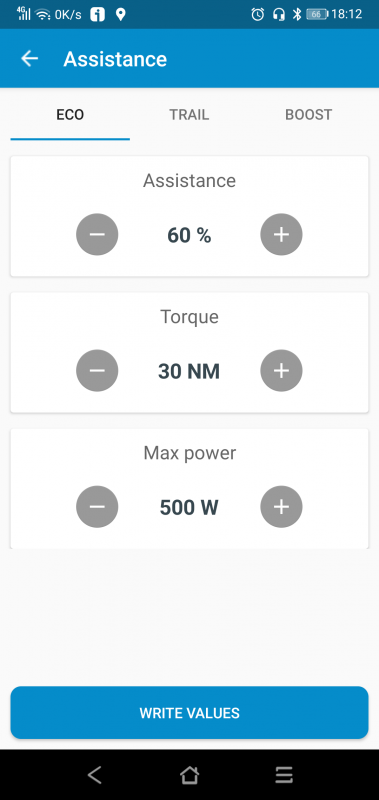
Adjust all advanced parameters your Shimano STEPS motor allows from mobile, including assistance modes, support behavior and compatible motor settings.
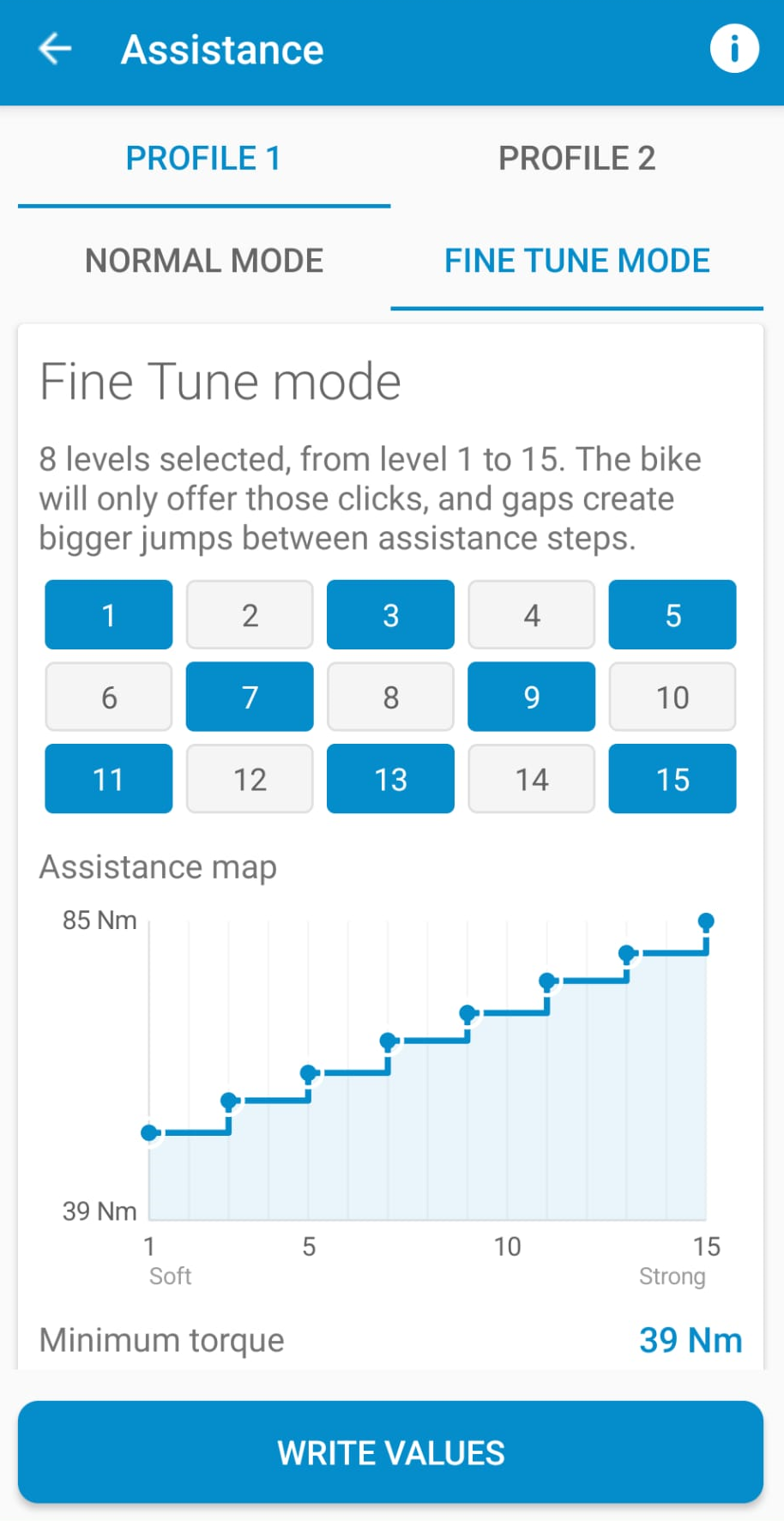
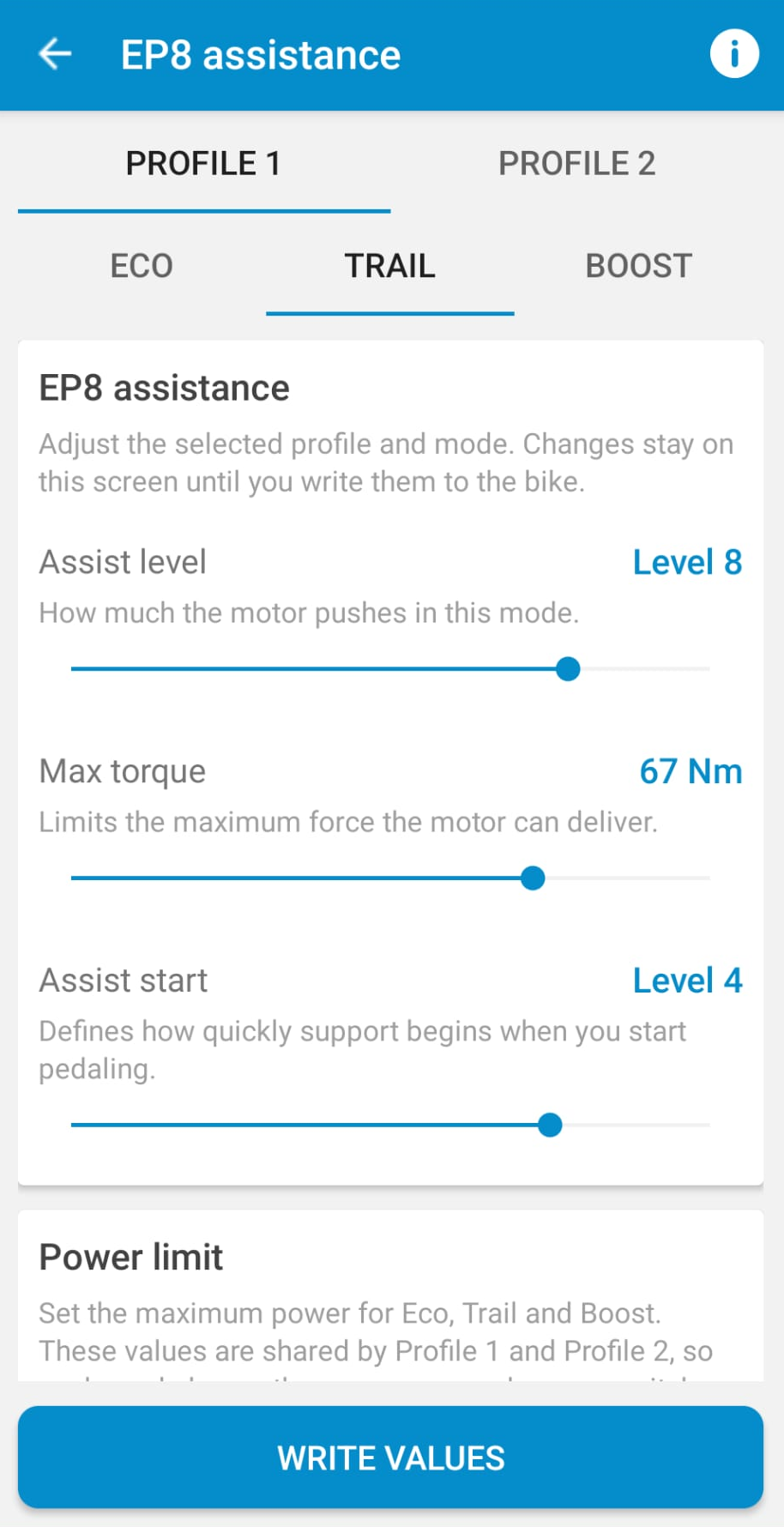
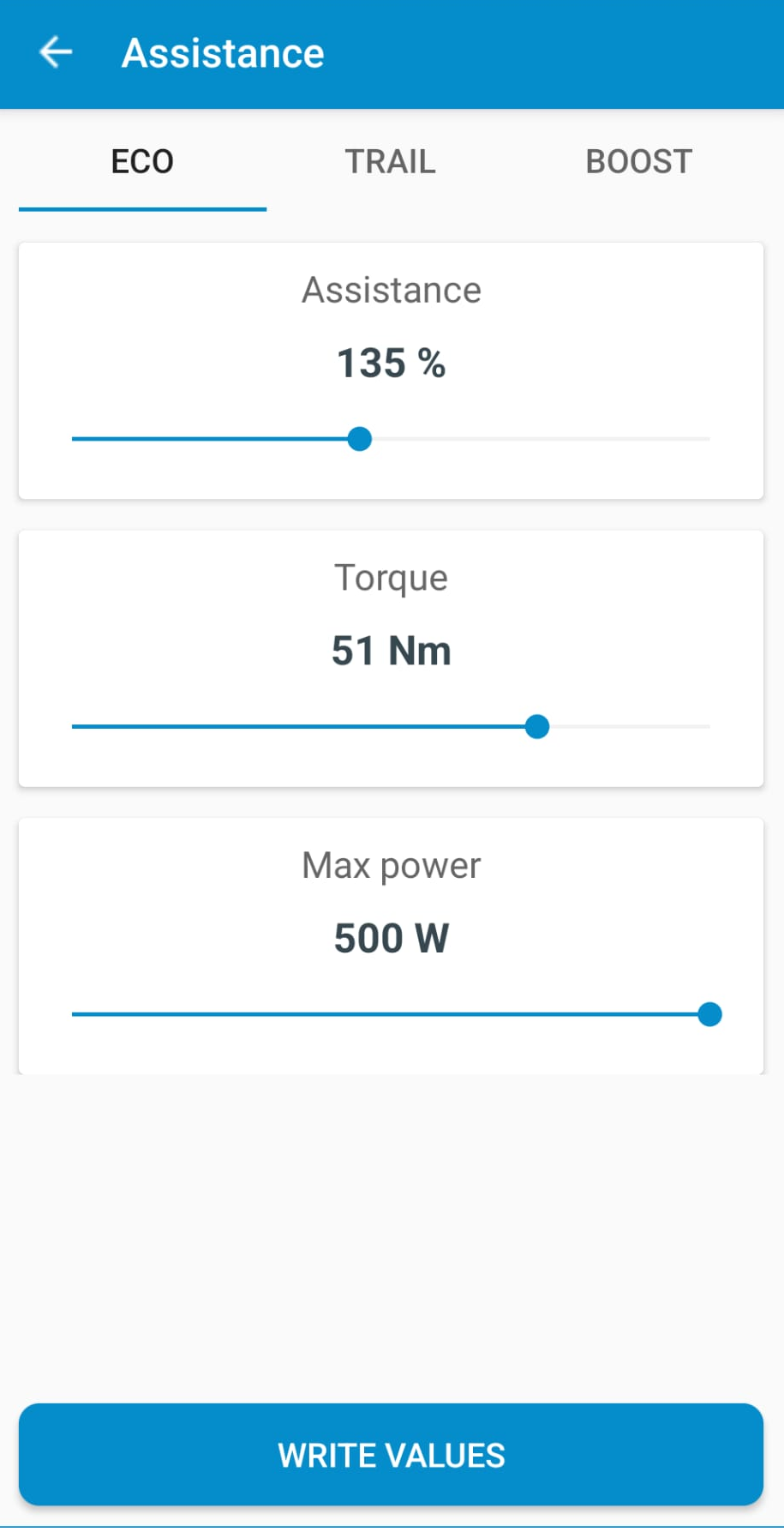

Everything Shimano STEPS users need in one place.
Configure, unlock, back up and sync your bike across Windows, Android and iPhone.
Select your exact Shimano STEPS motor to see the available speed configuration method.
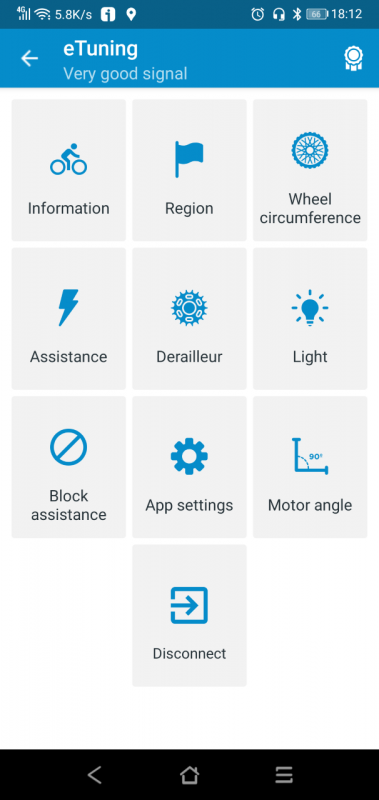
Find your motor model in the eTuning app, on the Information screen.
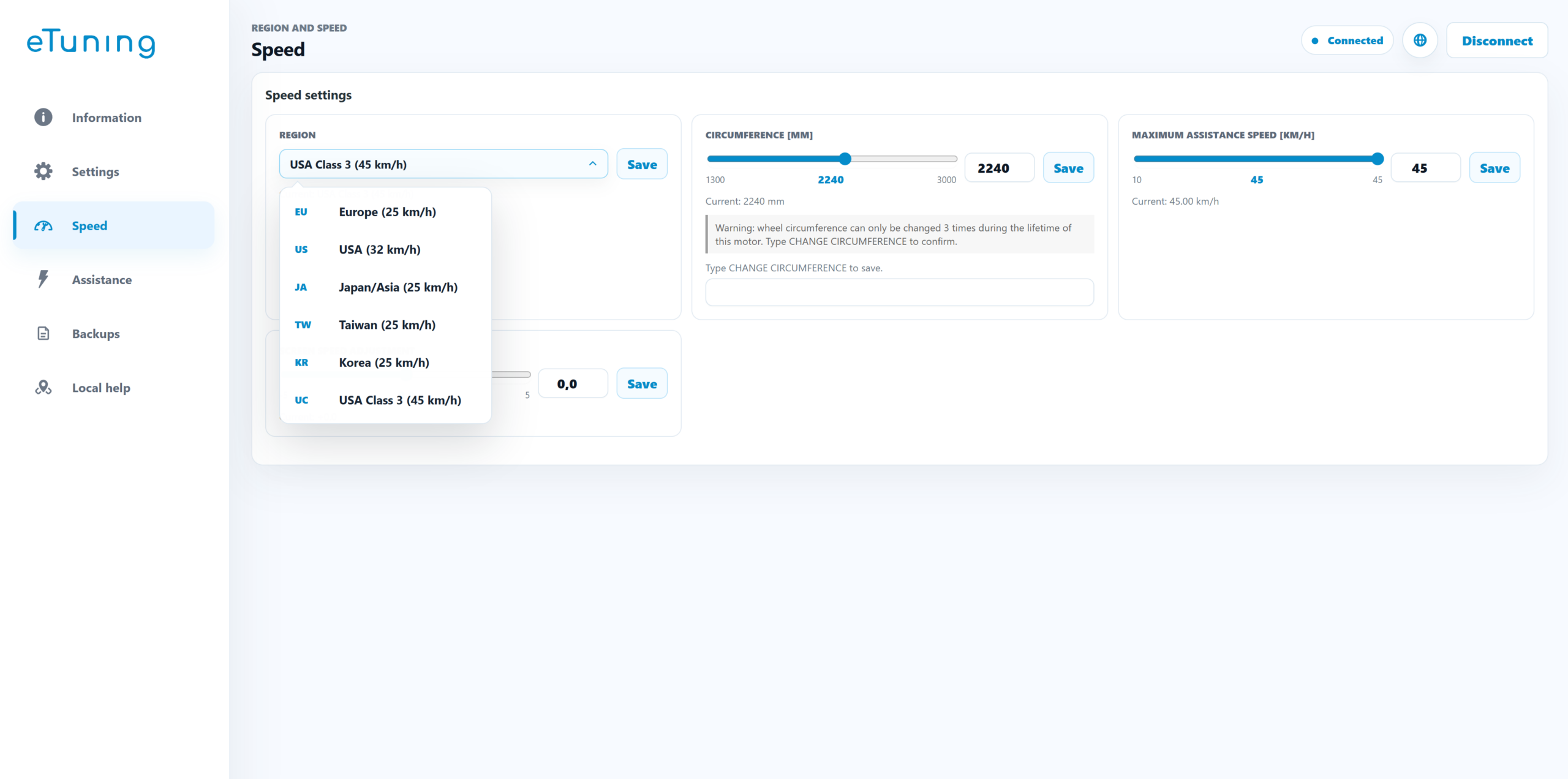
This motor supports speed derestriction up to 45 km/h via region using the Shimano SM-PCE02 interface, regardless of the firmware installed, while keeping the real speed display. The initial setup is done with eTuning for Windows. After that, eTuning for Android or iPhone can be used to change the speed.
Before increasing the assistance speed, check your local laws. In many countries, a modified e-bike may only be used on private property, not on public roads.
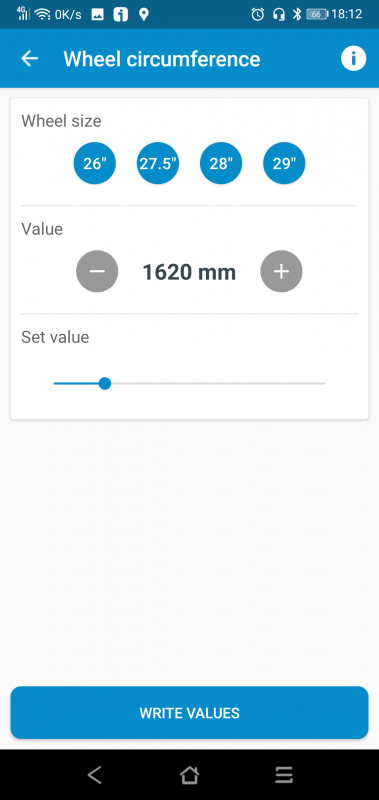
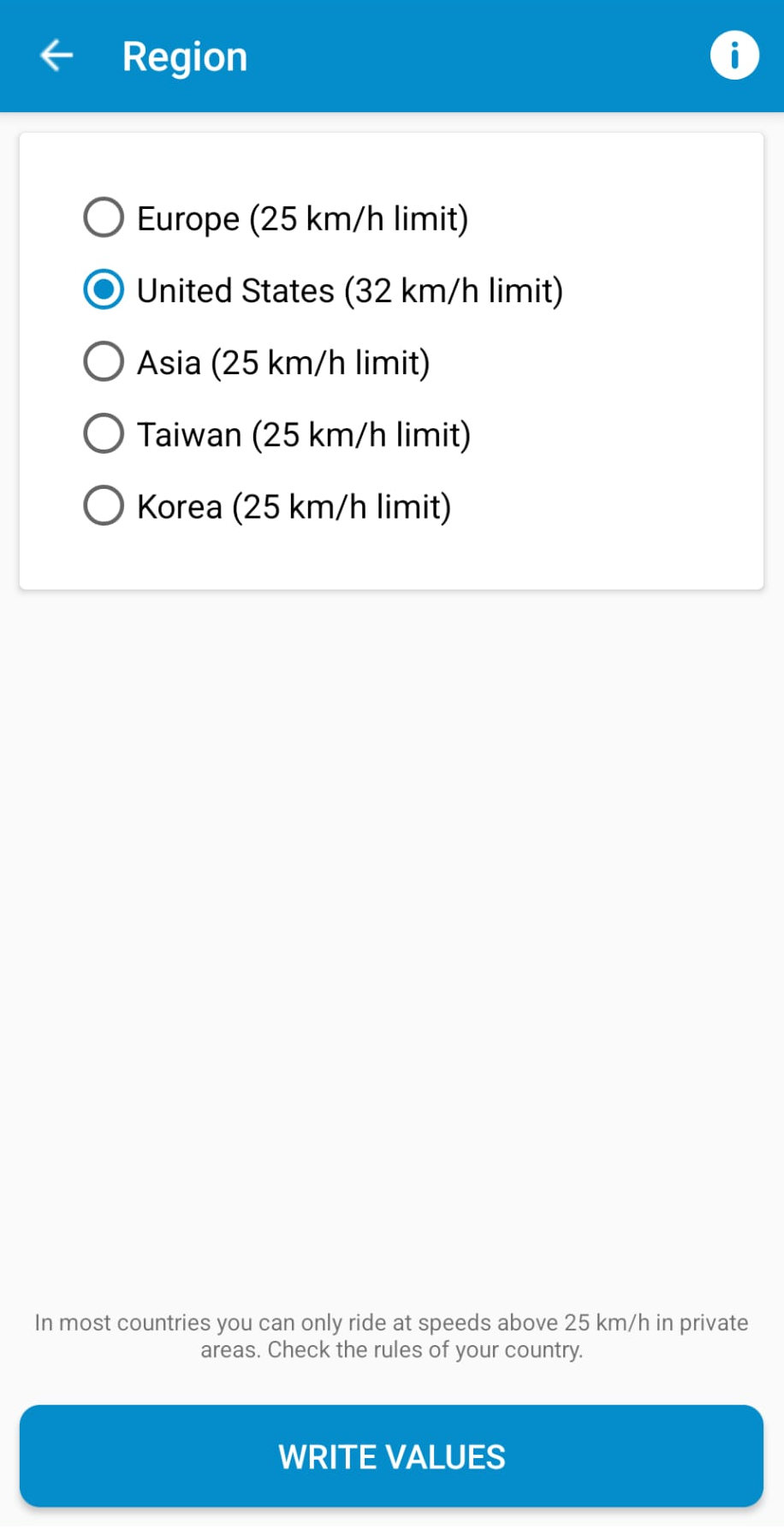
This motor series supports speed configuration regardless of the firmware installed, either from mobile by Bluetooth or from Windows using a Shimano interface. You can set 32 km/h with the speedometer working correctly, or configure up to 45 km/h with the wheel method, where the speedometer will no longer show the real speed.
Before increasing the assistance speed, check your local laws. In many countries, a modified e-bike may only be used on private property, not on public roads.
eTuning configures compatible Shimano STEPS motors by software, without installing a tuning chip, permanent hardware or modified wiring on the bike.
If you want to derestrict a Shimano e-bike, remove the 25 km/h assistance limit or configure the maximum assisted speed, start with the motor compatibility selector above. eTuning shows the correct method for your motor.
Speed settings must be used in accordance with local laws. If a configuration exceeds public-road limits, use it only in private areas or where legally permitted.
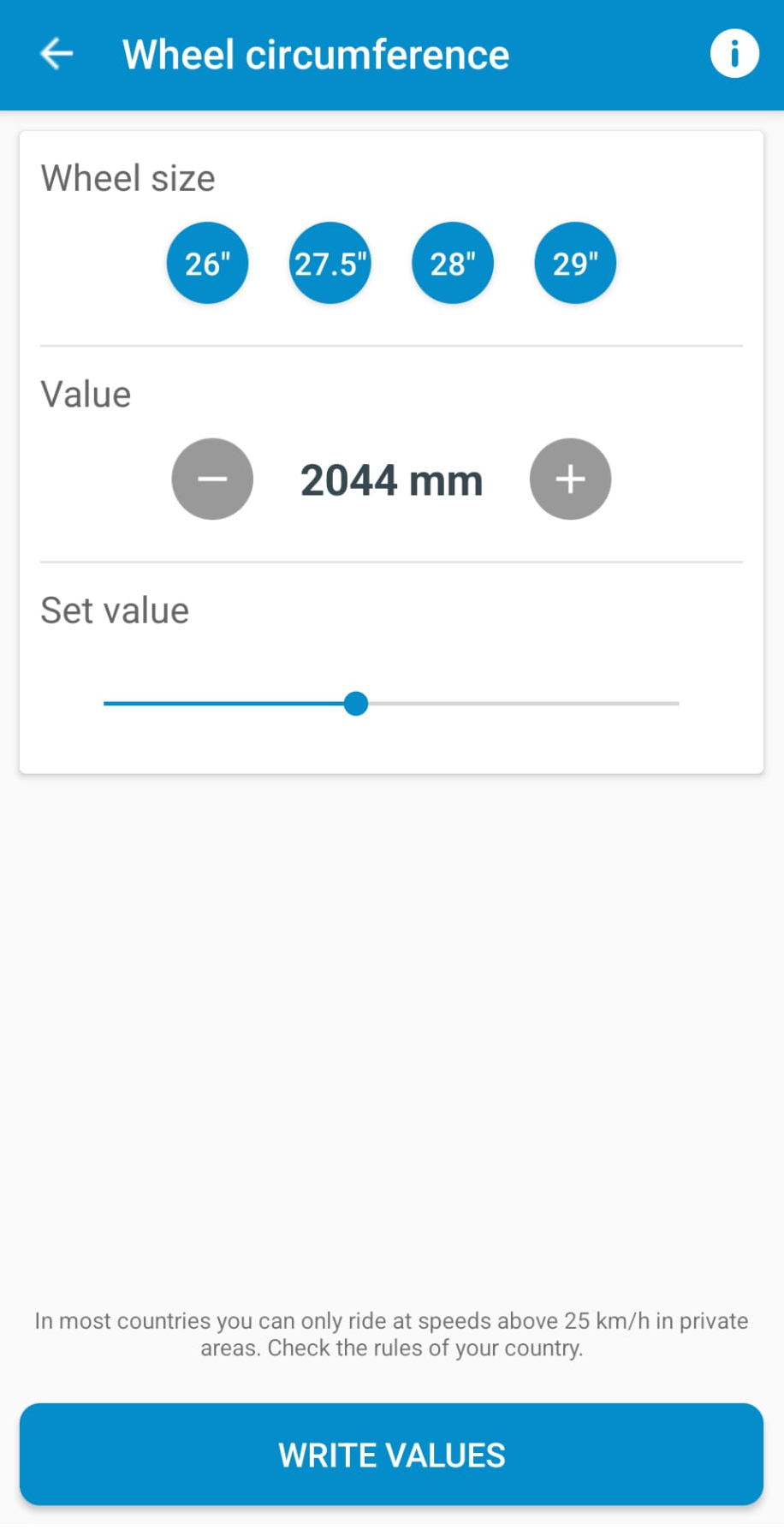
Adjust all advanced parameters your Shimano STEPS motor allows from mobile, including assistance modes, support behavior and compatible motor settings.
Save and restore complete bike configurations across your devices.
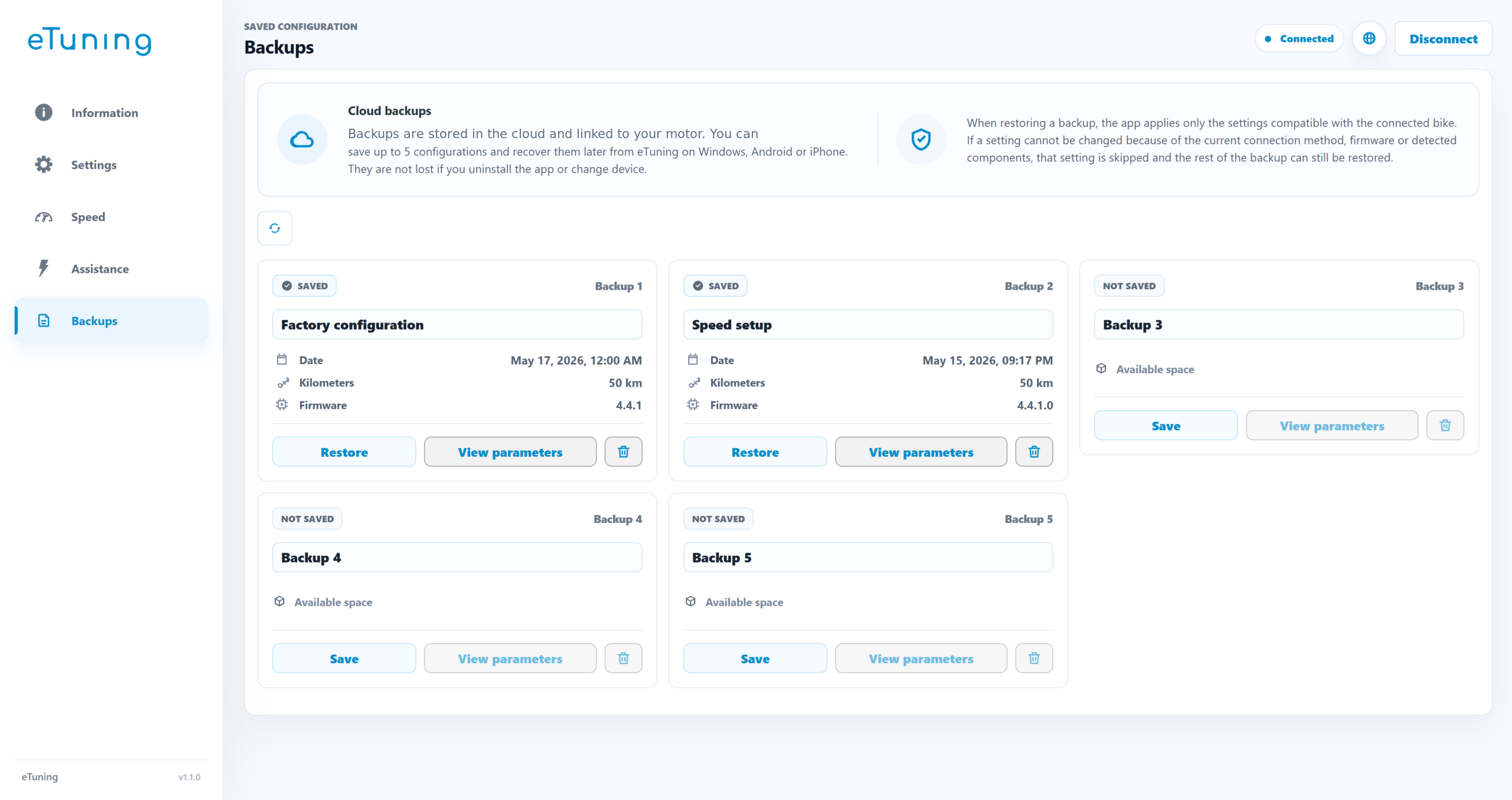
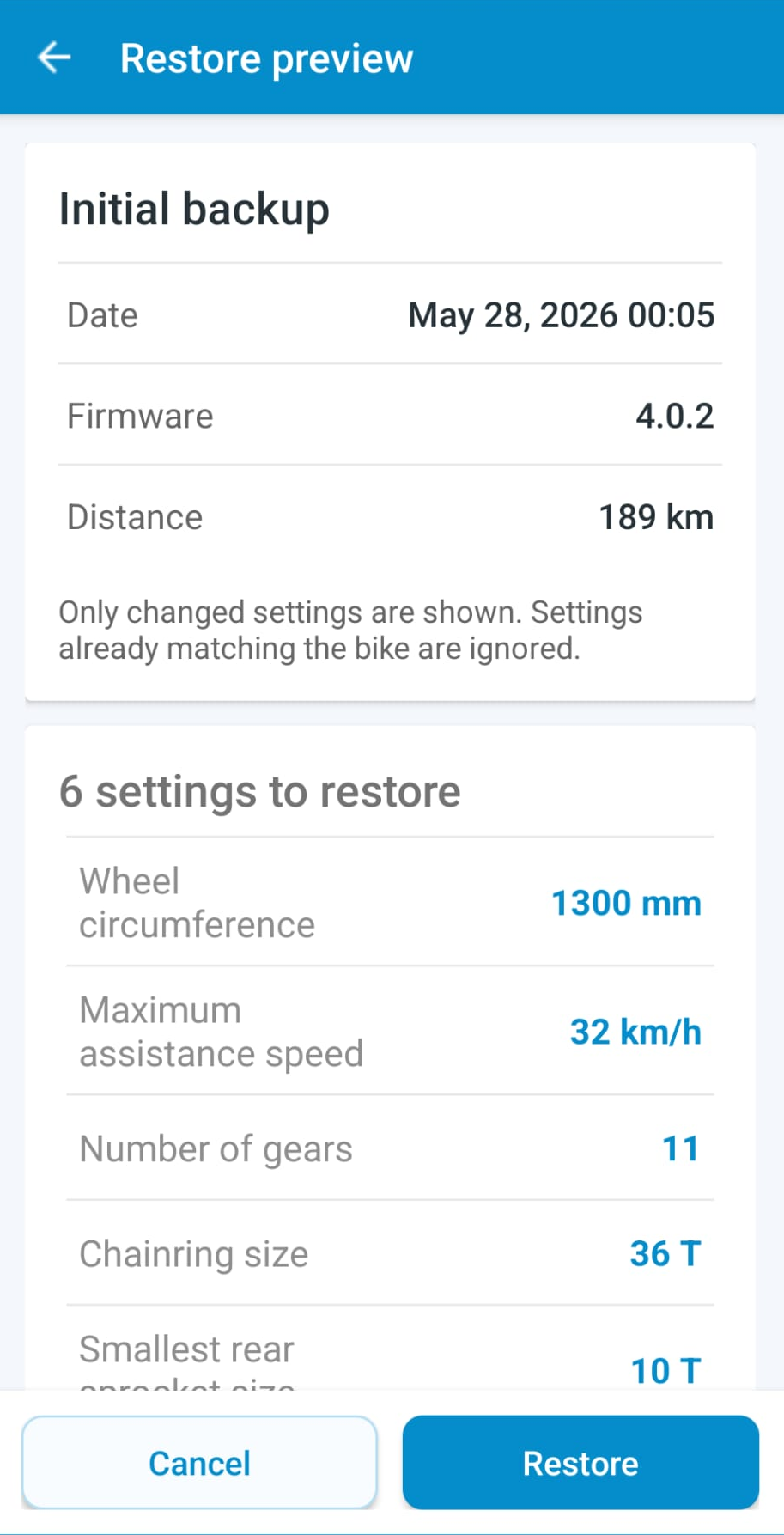
Cloud backups configured in eTuning for Windows and restored from the mobile app.
One-time permanent payment for one specific motor. The license remains linked to the purchased motor.
Allows you to modify the functions compatible with your motor: maximum speed, region or wheel size, depending on model and connection method.
Save up to 5 complete bike configuration backups. You can use them as presets or as a safety backup.
With one license for this motor you can use eTuning Premium on Windows, Android and iPhone at the same time.
On iPhone and Android, this license enables quick actions and extra functions inside the app.
The license is detected when the motor is connected, even if you reinstall the app.
One motor license works on all your devices.
It does not expire and remains linked to the purchased motor.
News and mini guides about eTuning and Shimano STEPS.